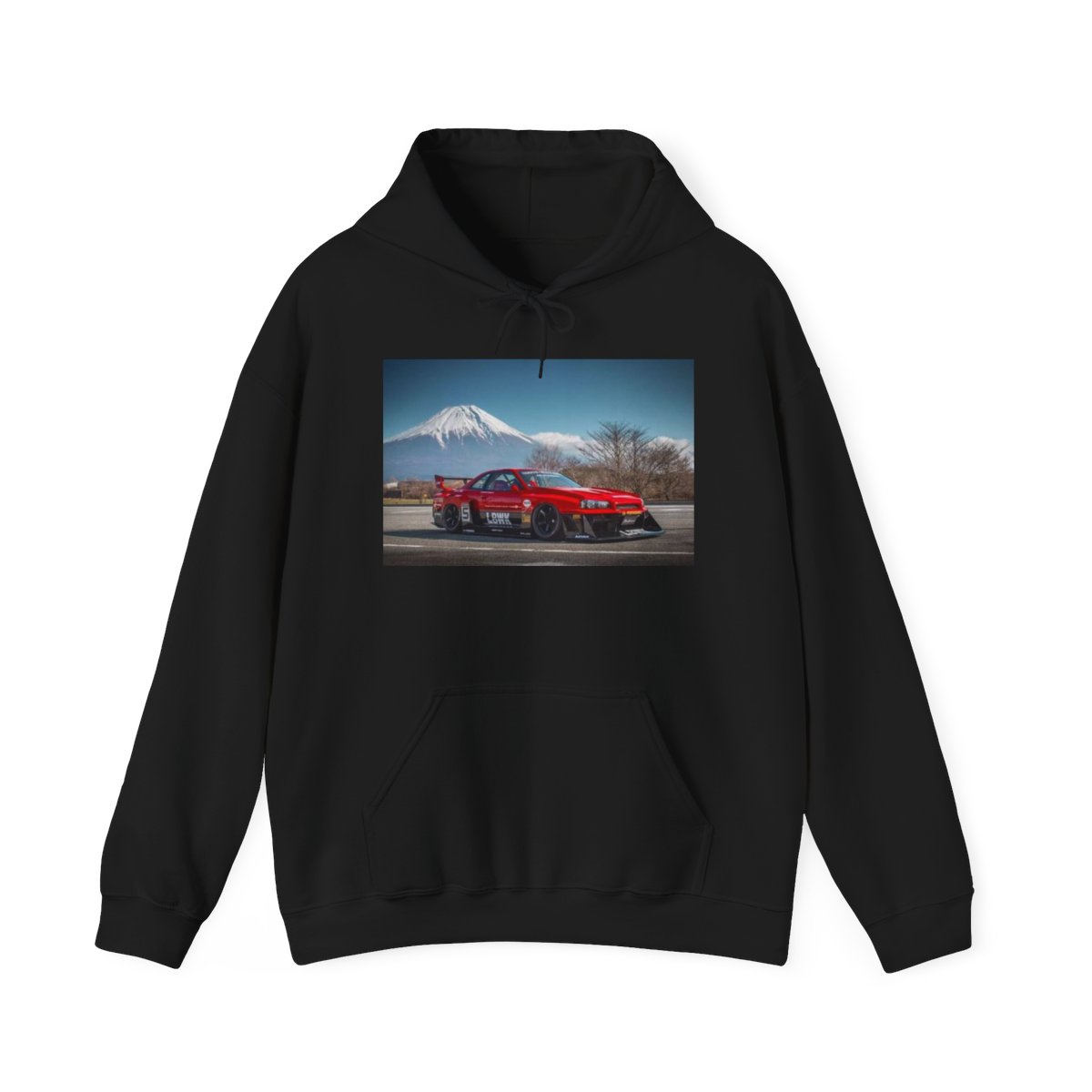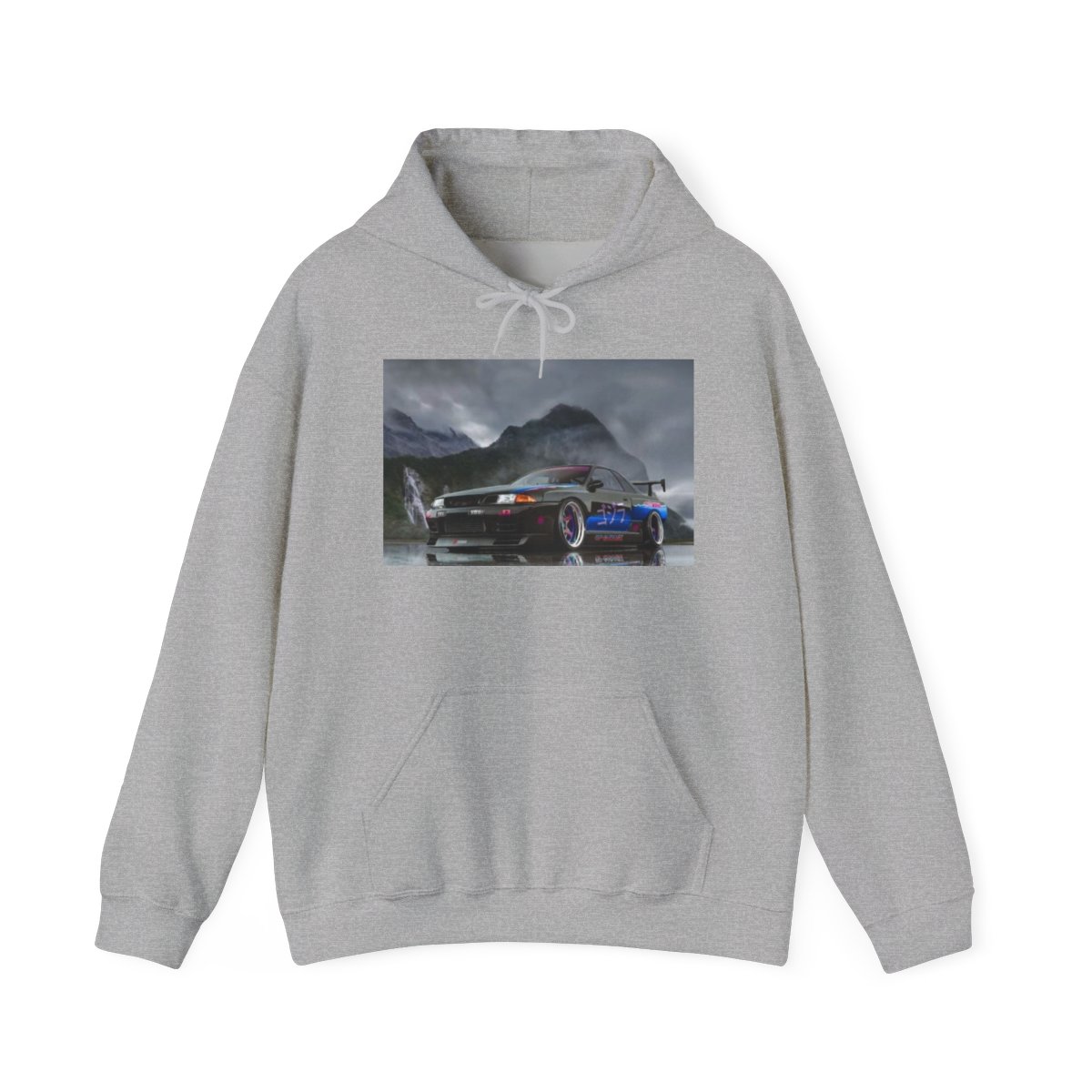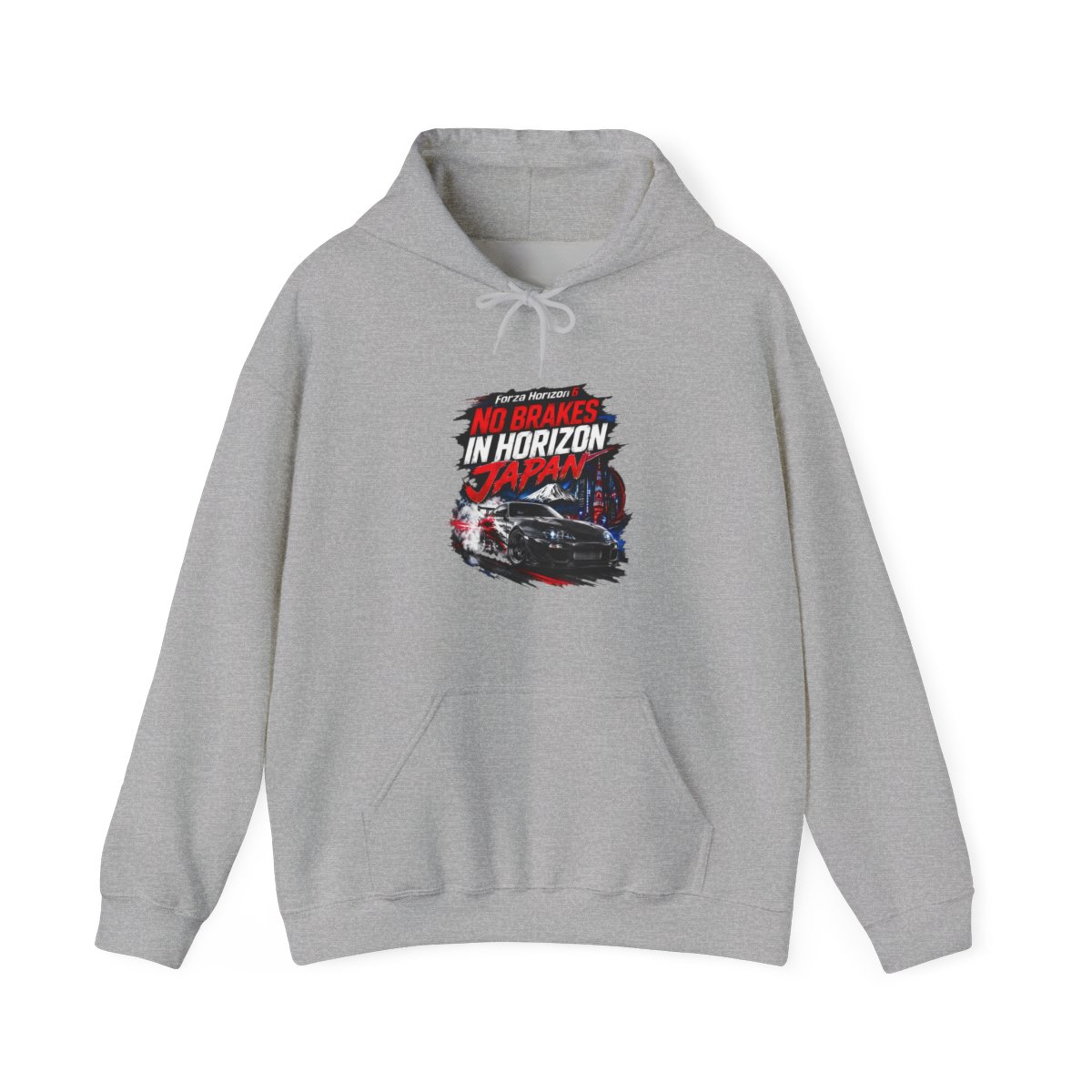
Why Your Photo Mode Outfit Matters
A community survey of top Forza Horizon 6 photographers revealed that 68% consider the driver’s outfit a critical element in their most-liked shots. Your avatar isn’t just a placeholder - it’s a storytelling tool. A well-chosen Forza Horizon 6 photo mode outfit can anchor a composition, complement the car’s color, or even set a seasonal mood.
In my experience running print-on-demand stores, the same principles apply to virtual fashion. Colors, textures, and fit all affect how the camera reads the scene. A solid black hoodie might vanish against a dark garage, while a bright tee can draw the eye exactly where you want it. This guide breaks down what works, why, and where to find pieces that make your virtual self look as fast as your car.
Step 1: Understand Lighting and Color Theory
Photo mode in Forza Horizon 6 gives you full control over time of day, weather, and exposure. Each setting demands a different approach. For golden hour shots (5-7pm in game), warm tones like burnt orange or deep red in your outfit create pleasing harmony. For overcast or night scenes, high-contrast colors like neon yellow or white pop against muted backgrounds.
Pro tip: Avoid large areas of pure black or white - they tend to blow out highlights or lose detail in shadows. Instead, use dark navy or charcoal for a rich, textured dark tone.
Step 2: Match Outfit to Car Personality
Your outfit should speak the same language as your car. A retro muscle car in flared arches pairs naturally with a classic leather jacket look. A hypercar covered in carbon fiber demands something sleek and monochrome. A drift build with wild livery gives you permission to go loud with graphic tees or patterned hoodies.
Common mistake: Wearing a full racing suit with a luxury coupe. It looks out of place. Keep the story consistent.
Step 3: Prioritize Fit and Silhouette
Forza Horizon 6’s character model is detailed enough that baggy or tight fits register differently on camera. Oversized hoodies create a relaxed, candid feel, while fitted shirts suggest action and speed. Test your outfit in the photomode preview before committing to a shoot.
Step 4: Use Accessories as Anchors
Accessories - hats, sunglasses, gloves - act like punctuation. A pair of aviators can anchor a portrait shot. A snapback adds street style without overwhelming the frame. But go easy: more than two accessories distracts from the car.
Step 5: Test in Multiple Environments
Don’t settle for one shot. Move your avatar to a neon-lit street, a dusty trail, and a rain-soaked highway. The same outfit behaves differently under each light. A metallic jacket might look incredible in a tunnel but garish in bright sun.